
iMac SSD and RAM upgrades in Phuket
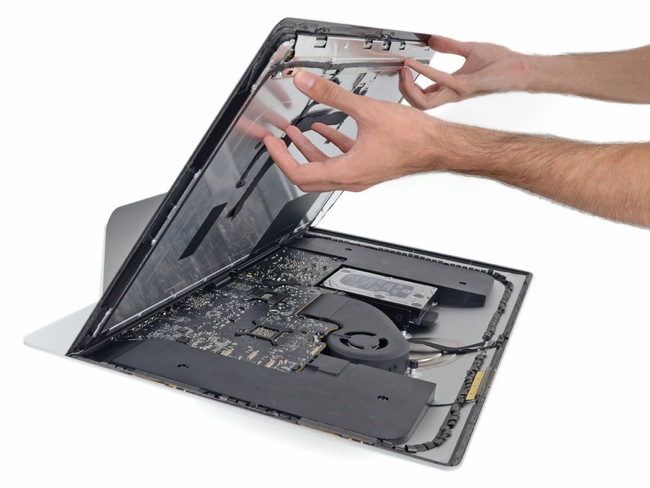
Why should I upgrade my iMac?
Well simply because it feels too slow and unresponsive.
You might be getting the spinning wheel at anytime and it’s becoming painful to have to wait for it to do something.
You are already thinking it’s time to replace that workhorse as it has done its time.
Hold on! There are some things that can be done to the internals of the machine to speed it up…
What can I upgrade in a iMac?
There are 2 main components that you can upgrade in an iMac:
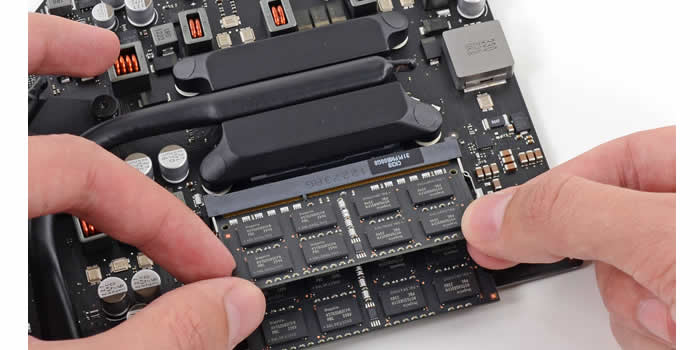
The RAM
The RAM is the memory used to store programs while the system is running as it is the fastest memory your system has access to.
The amount of that memory is key when having multiple programs opened at the same time to keep the machine smooth and responsive.
You may also like to have dozen tabs open in your web browser for example. Well that needs a lot of RAM.
RAM is a quick buffer to write/read data (information) and your Mac is constantly reading and writing data.
With a low amount of RAM, your Mac will have to use its storage device, what is called “swapping”, which is slower and sometimes way slower especially if your iMac still runs on an hard drive as its main storage device.
Hard drives are mechanical spinning disk which a great for big storage capacity but pretty lame for quick access time to information (which means longer waits).
Note that RAM won’t help when it comes to reduce loading times at start-up. That’s the job of the SSD…
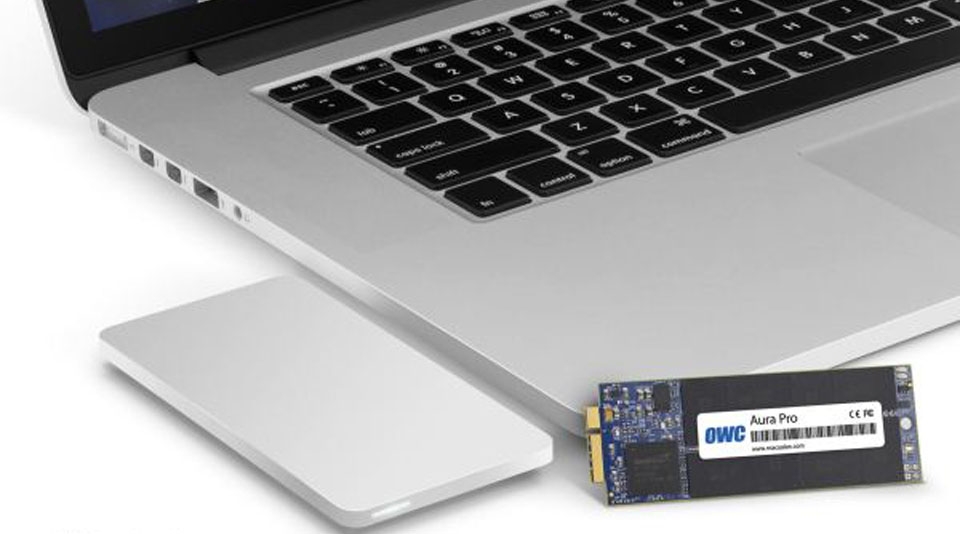
The Storage
As we’ve explained earlier, when your Mac has to frequently use the storage because of a lack of RAM, your Mac will become slower.
If your actual storage is a hard drive (also called hard disk), then your Mac will suffer serious delays.
Hard drives are way too slow and have other drawbacks like power consumption, not being shock resistant and slow access times.
SSDs (using Flash memory) came up more recently and became the storage of choice for MacBooks since 2012. That technology finally became more affordable and reliable over time.
Since Apple was still selling you iMacs with hard drives even in 2019, we saw plenty of confused customers wondering why their new iMac was so slow after less than a year.
Don’t look any further, if your Mac has a hard disk, that is the reason.
SSD upgrades will speed up boot times, program load up times and overall, the responsiveness of your machine.
UPGRADE COSTS
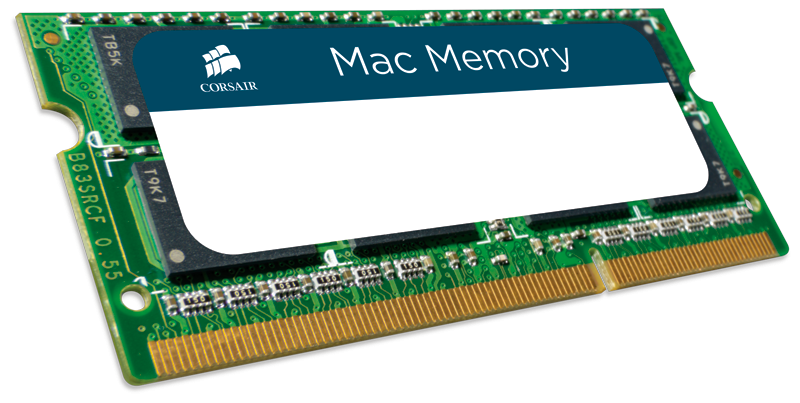
iMac RAM Upgrade in Phuket
Pricing details for our RAM upgrades
MacBooks from 2012 till today have RAM chips soldered onto the motherboard.
So RAM upgrades are not available for these machines.
For MacMini and MacPro RAM upgrades, please contact us.
IMPORTANT NOTE: Due to the ongoing shortage of RAM and NAND chips, price volatility has become very high; therefore, we can no longer predict part prices. As a result, the prices advertised on our website may be revised at any time and do not guarantee the final price customers will receive upon contacting us.
| # | Model | Price | Detail |
|---|---|---|---|
| 1 | 16GB RAM Kit (2 x 8GB RAM sticks) iMac Slim 21″ Late 2012 iMac Slim 21″ Early 2013 |
2,400THB | Contrary to the 27″ where the RAM is easily accessible from the back of the iMac, on 21″ the display has to be carefully untaped from the case. Then the motherboard (logic board) has to be dislodged from the case to access the RAM which is a risky job and more time consuming. Putting the computer back together involves using an original Apple tape set. |
| 2 | 32GB RAM Kit (4 x 8GB RAM sticks) iMac Slim 27″ from 2012-2014 |
4,800THB | RAM can be installed on the spot, within 15 mins. No screen removal necessary. No labor cost involved. |
| 3 | iMac Slim 21″ Late 2014 iMac Slim 21″ Late 2015 |
Unavailable | RAM upgrade on these models is not possible. RAM being soldered onto the motherboard like on MacBooks. |
| 4 | 16GB RAM Kit (2 x 8GB RAM sticks) iMac Slim 27″ from 2015/2017/2019 |
contact us for a quote |
RAM can be installed on the spot, within 15 mins. No screen removal necessary. No labor cost involved. |
| 5 | 32GB RAM Kit (4 x 8GB RAM sticks) iMac Slim 27″ from 2015/2017/2019 |
contact us for a quote |
RAM can be installed on the spot, within 15 mins. No screen removal necessary. No labor cost involved. |
| 6 | 16GB RAM Kit (2 x 8GB RAM sticks) iMac Slim 21″ Mid-2017 |
contact us for a quote |
Contrary to the 27″ where the RAM is easily accessible from the back of the iMac, on 21″ the display has to be carefully untaped from the case. Then the motherboard (logic board) has to be dislodged from the case to access the RAM which is a risky job and more time consuming. Putting the computer back together involves using an original Apple tape set. |
| 7 | 16GB RAM Kit (2 x 8GB RAM sticks) iMac Slim 21″ 2019 |
contact us for a quote |
Contrary to the 27″ where the RAM is easily accessible from the back of the iMac, on 21″ the display has to be carefully untaped from the case. Then the motherboard (logic board) has to be dislodged from the case to access the RAM which is a risky job and more time consuming. Putting the computer back together involves using an original Apple tape set. |
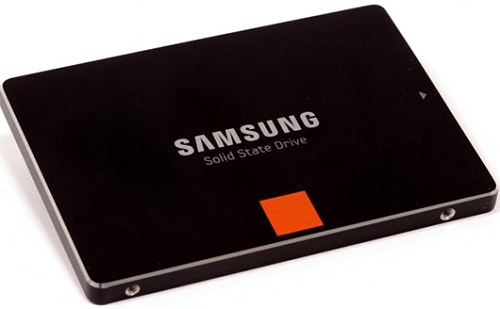
SSD (Flash drive) Upgrades
For MacBooks, MacMini and older iMacs, please contact us.
The SSD upgrade service includes:
– The clone of replaced drive (if the drive allows it) so that all data can be transferred to the new drive.
– The latest macOS installation.
IMPORTANT NOTE: Due to the ongoing shortage of RAM and NAND chips, price volatility has become very high; therefore, we can no longer predict part prices. As a result, the prices advertised on our website may be revised at any time and do not guarantee the final price customers will receive upon contacting us.
| # | Model | Price | Detail |
|---|---|---|---|
| 1 | 250GB SSD upgrade For iMac Slim 21″ model A1418 For iMac slim 27″ model A1419 |
6,300THB | Your iMac will be upgraded with a 250GB Samsung EVO SSD SATA. In case the Samsung drive is not available, we’ll choose a different drive and will warn you. If the iMac supports it, we’ll prefer the NVMe drive version for performance benefits (add 500THB extra for the adapter). |
| 2 | 500GB SSD upgrade For iMac Slim 21″ model A1418 For iMac slim 27″ model A1419 |
7,700THB | Your iMac will be upgraded with a 500GB Samsung EVO SSD SATA. In case the Samsung drive is not available, we’ll choose a different drive and will warn you. If the iMac supports it, we’ll prefer the NVMe drive version for performance benefits (add 500THB extra for the adapter). |
| 3 | 1TB SSD upgrade For iMac Slim 21″ model A1418 For iMac slim 27″ model A1419 |
9,500THB | Your iMac will be upgraded with a 1TB Samsung EVO SSD SATA. In case the Samsung drive is not available, we’ll choose a different drive and will warn you. If the iMac supports it, we’ll prefer the NVMe drive version for performance benefits (add 500THB extra for the adapter). |
| 4 | 2TB SSD upgrade For iMac Slim 21″ model A1418 For iMac slim 27″ model A1419 |
contact us for a quote |
Your iMac will be upgraded with a 2TB Samsung EVO SSD SATA. In case the Samsung drive is not available, we’ll choose a different drive and will warn you. If the iMac supports it, we’ll prefer the NVMe drive version for performance benefits (add 500THB extra for the adapter). |
| 5 | 4TB SSD upgrade For iMac Slim 21″ model A1418 For iMac slim 27″ model A1419 |
contact us for a quote |
Your iMac will be upgraded with a 4TB Samsung EVO SSD SATA. In case the Samsung drive is not available, we’ll choose a different drive and will warn you. If the iMac supports it, we’ll prefer the NVMe drive version for performance benefits (add 500THB extra for the adapter). |